
timbo

Your everyday planning buddy

Plans in place.
Timbo by your side.

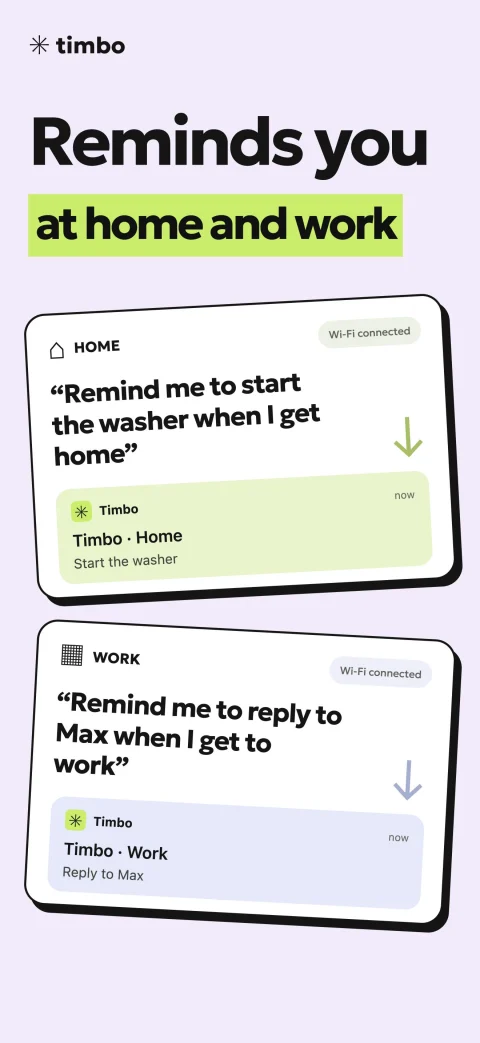
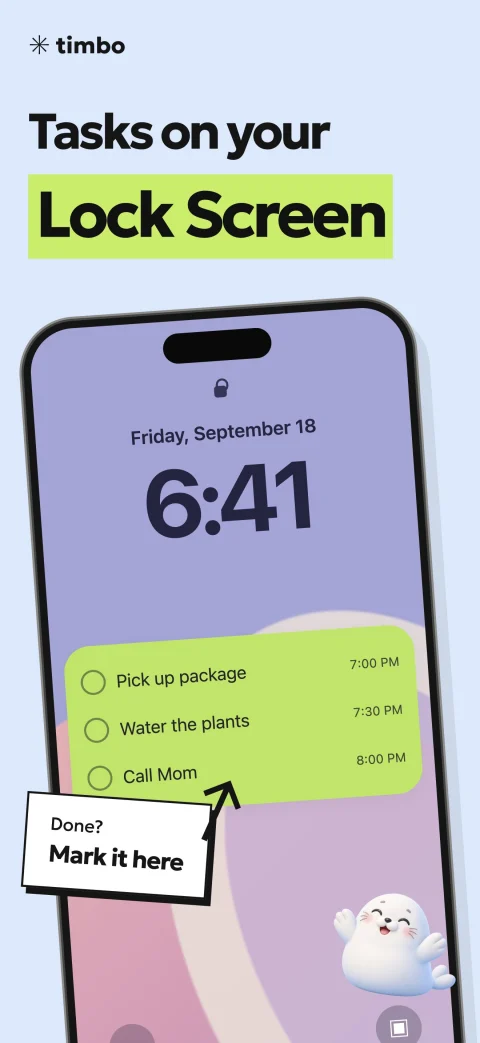
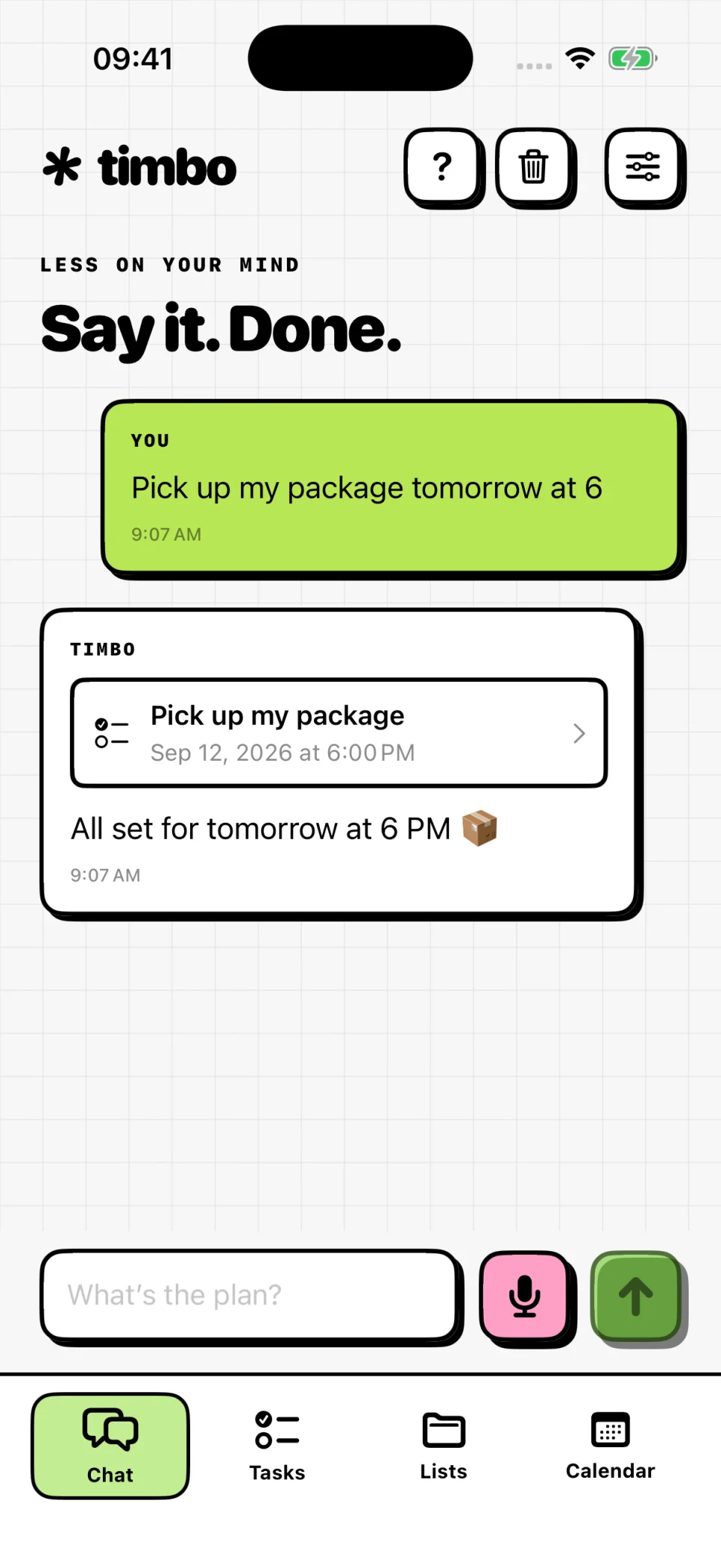
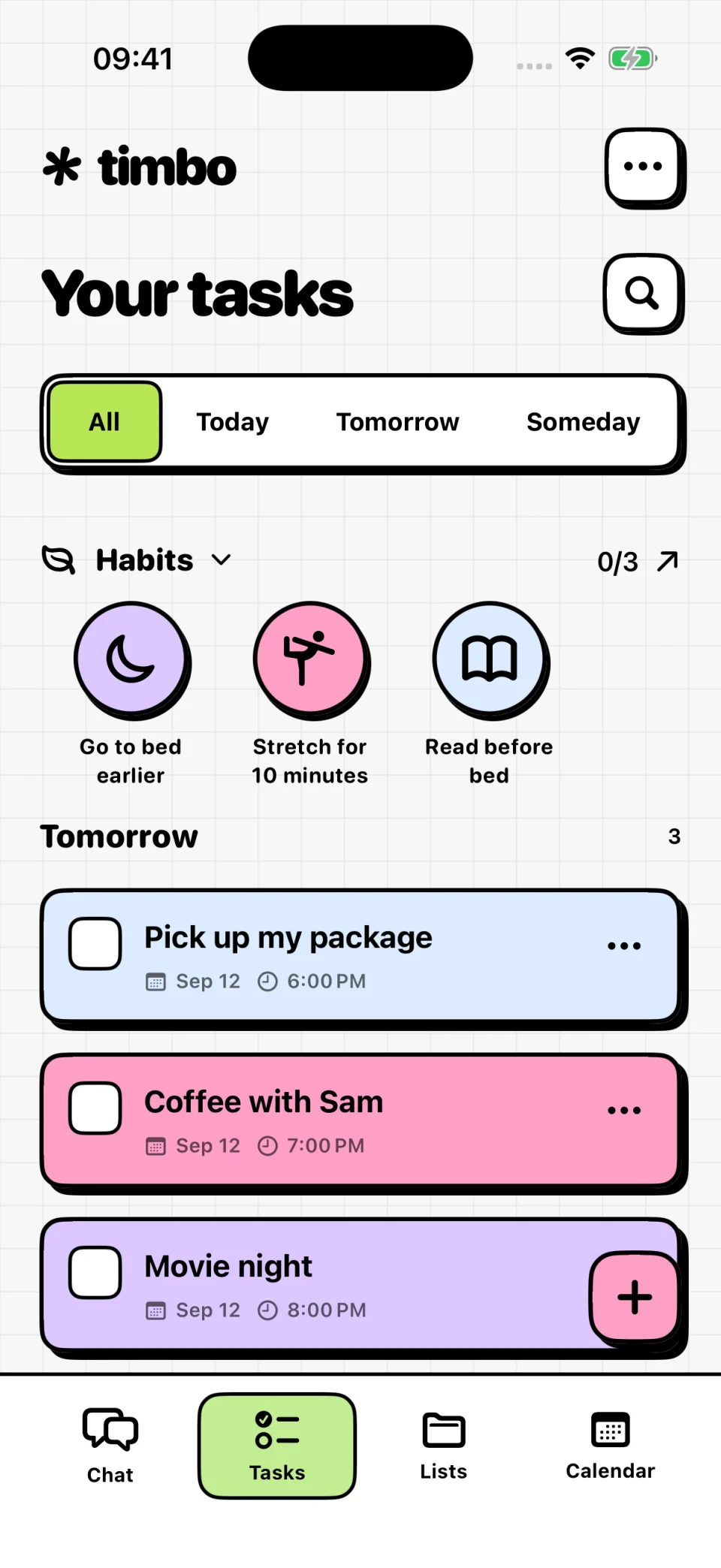
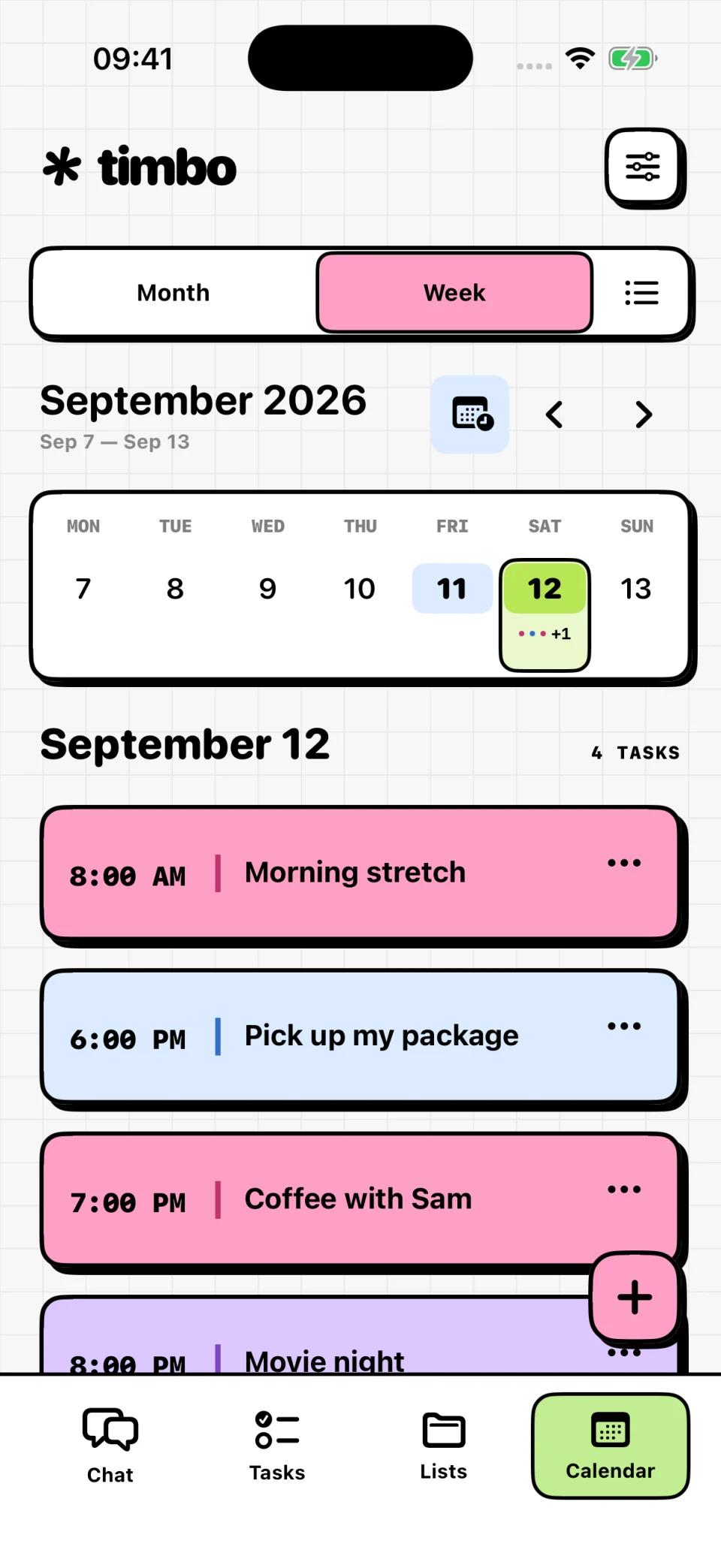
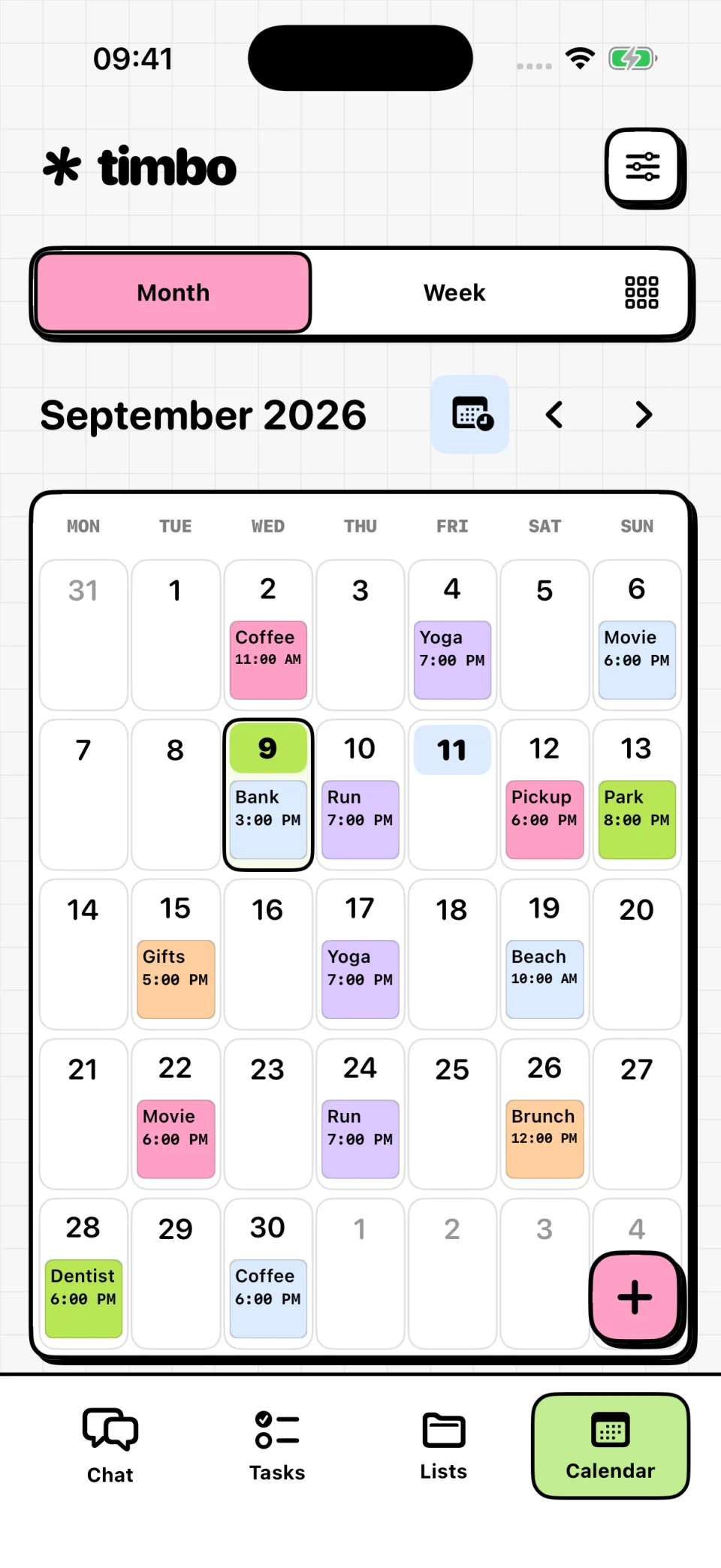
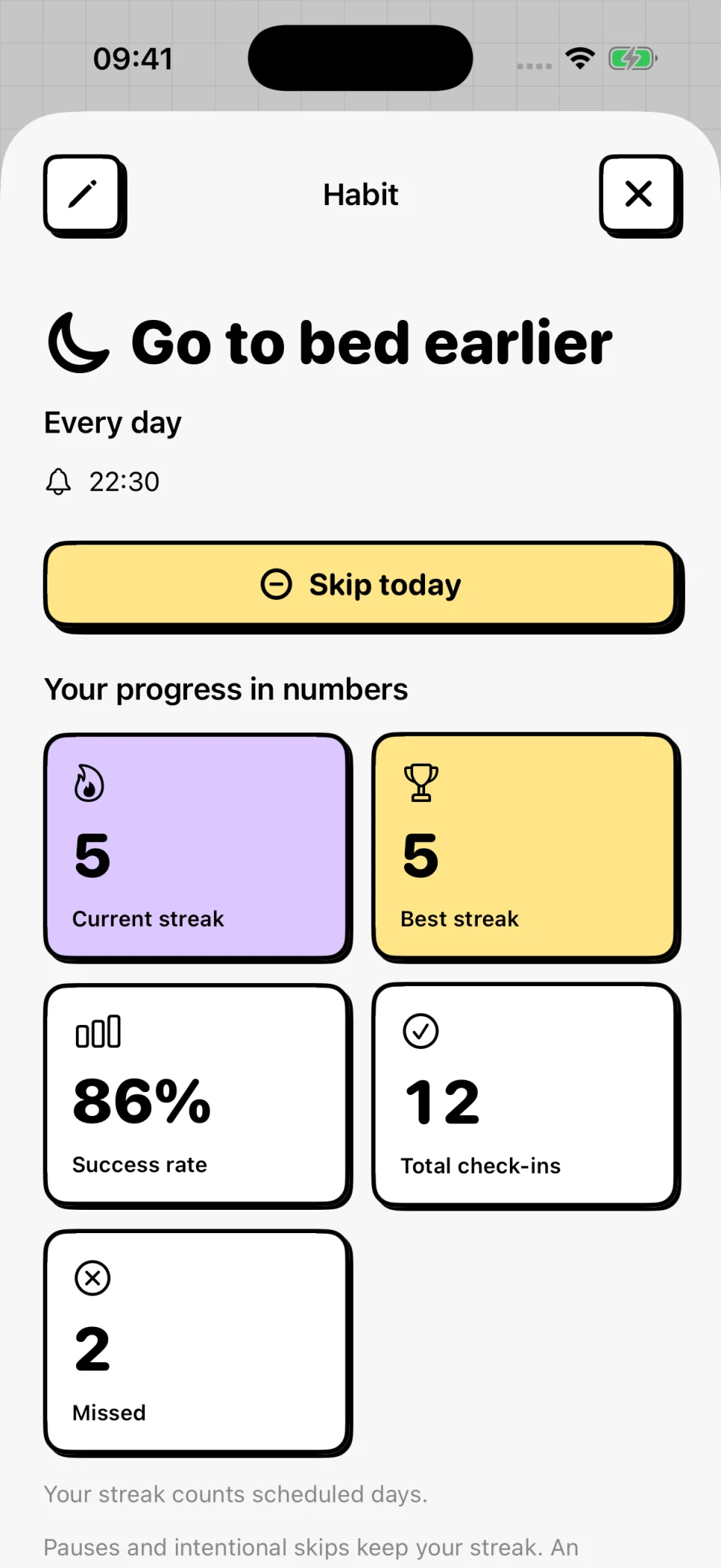
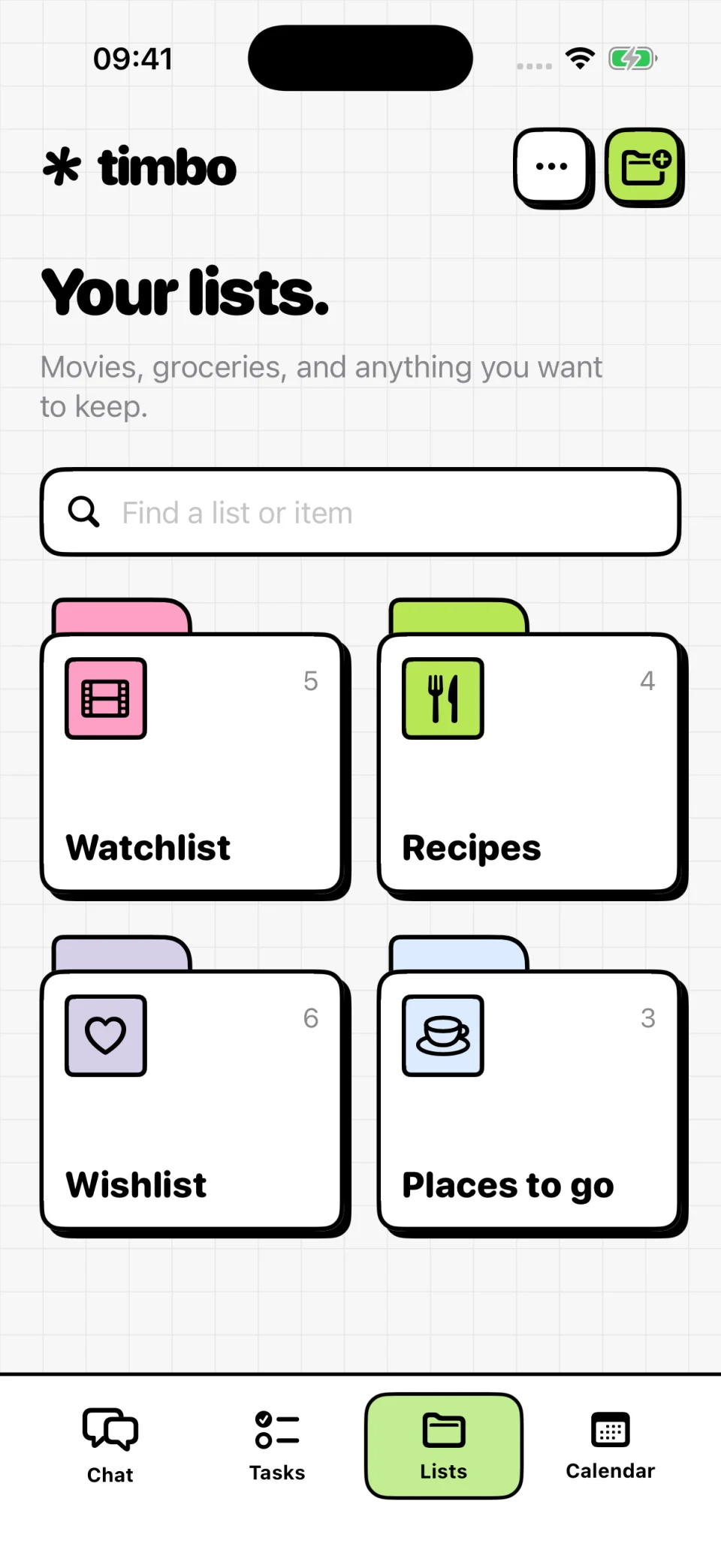
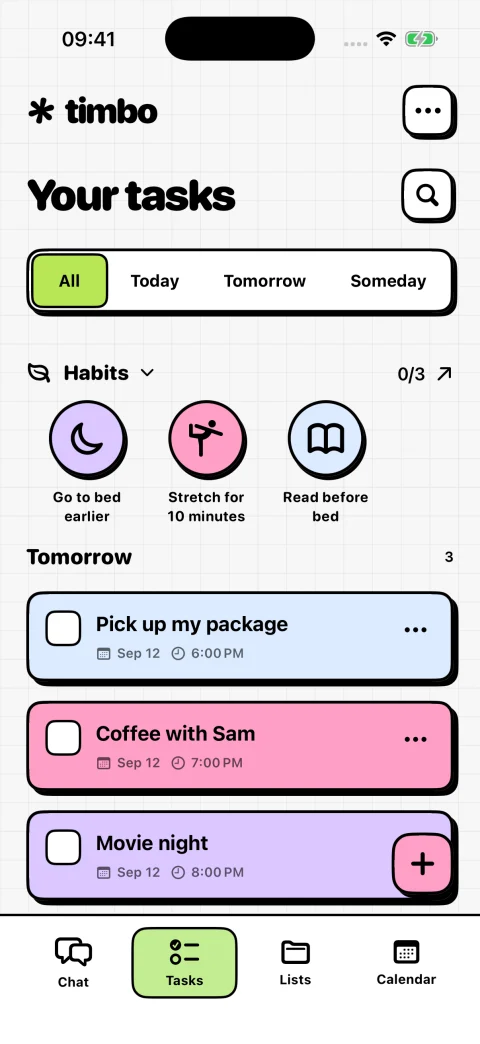
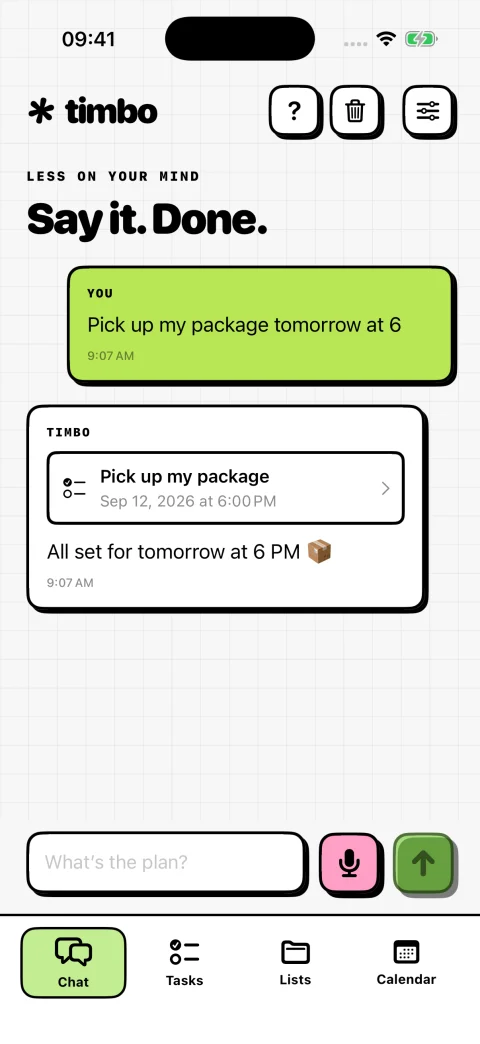
Timbo is a task, list and habit planner with an AI assistant for iPhone. Follow the steps below to install it with TestFlight.

Hi, I’m Timbo!

Two steps to get started

Open this page on the iPhone you want to install Timbo on.

  1. Download TestFlight

    Apple’s free app lets you install beta versions. Download it from the App Store, open it and finish the setup.

    Download TestFlight

    Already have it? Move on to step two.

  2. Install Timbo

    Come back here and open the invitation using the button below. In TestFlight, tap Accept, then Install. You’re ready to meet Timbo!

    We’re getting your Timbo invitation ready. It will appear right here.

About Timbo and installation

What is Timbo?

Timbo is an iPhone app that helps you manage tasks, lists and habits with an AI assistant.

Why do I need TestFlight?

TestFlight is Apple’s free app for installing beta versions. Install TestFlight first, then open the Timbo invitation on the same iPhone.

Where can I find the Timbo invitation?

The link will appear in step two on this page. While the button is disabled, the public invitation has not been published yet.